


How to Report a Claim
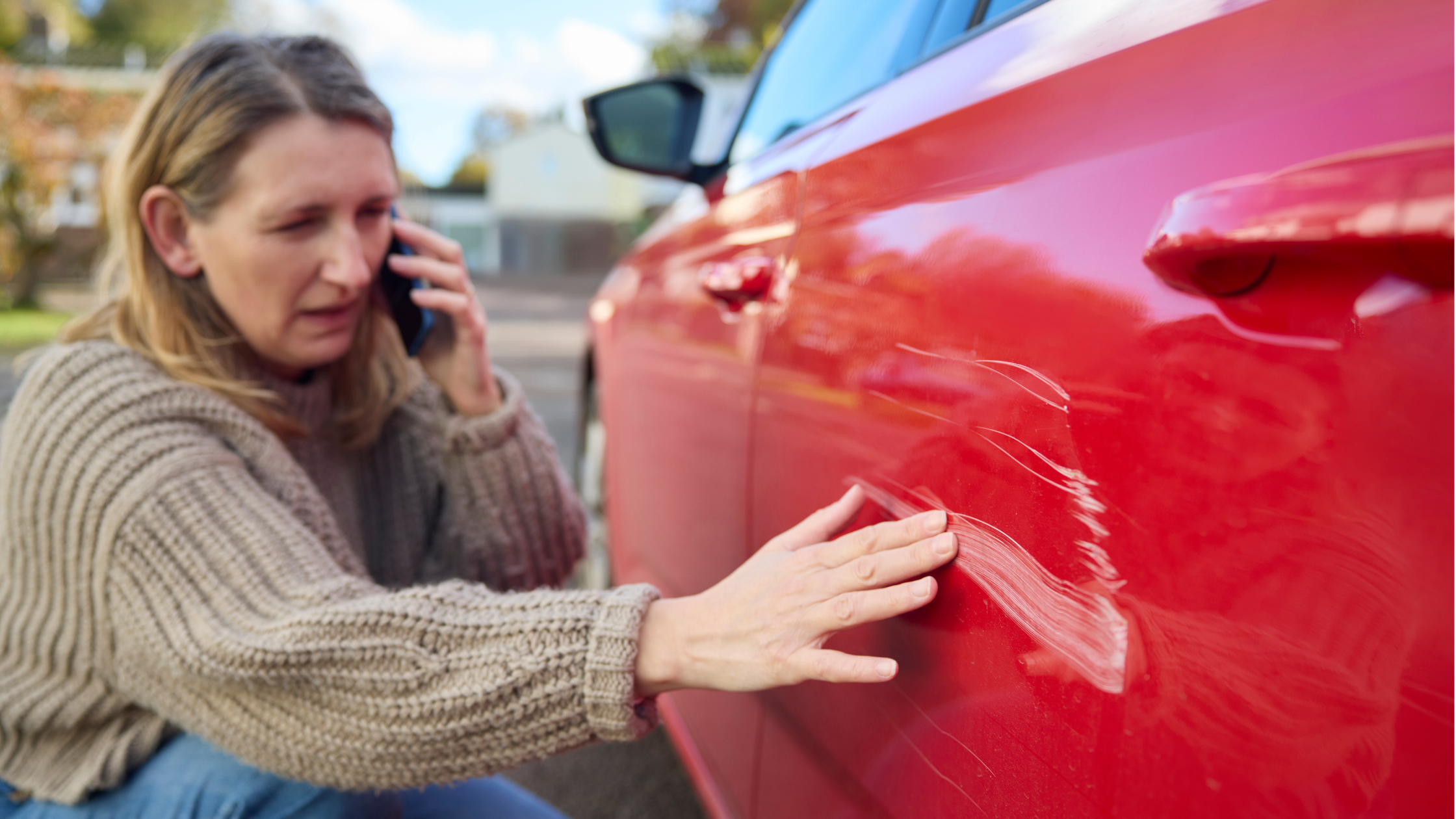
Reporting a claim doesn’t need to be stressful. At Performance Direct, we’ve made it quick and straightforward, with clear guidance, practical tools, and expert support available 24/7.
Watch our step-by-step guide
The fastest way to get help is to speak to us directly on 01708 925 057. The video below shows you how to find the claims number linked to your specific policy.
If you're not able to call right away, the video also explains how to log into your Performance Direct account or app to request a call-back at a time that works for you.
Expert support, whenever you need it
Our experienced claims team is available around the clock to guide you through the process. From the first call to final resolution, we’ll work to get you back on the road with minimal disruption.
If you’re looking to claim on a different policy, such as home, motorhome or caravan cover, our Report a Claim hub has everything you need.
Full Video Transcription
When you buy a policy through Performance Direct, you'll receive a text message from us with your claims phone number. This is important, and we suggest you save it in your phone under Performance Direct Claims.
If you haven't already, you should now register and create your insurance account via our website. Then download the Performance Direct app, and don't forget to enable Face ID or Fingerprint ID for quick and secure access to your account.
If you've been involved in an accident and need to report a claim, the quickest way to get help is to speak directly with a member of our claims team by phone.
To make sure you're connected to the right claims team for your policy, either call the number saved in your phone or access your Performance Direct Insurance account. Then select the relevant motor policy and click 'Report a Claim.'
Here you'll see the number you need to call to report your claim. It's always best to speak to someone directly as soon as possible, but if it's not convenient, you can request a callback instead. To do this, simply click the 'Report a New Claim' button under the claim's telephone number.
Fill in the form, make sure all the details are accurate, and choose your preferred callback time. A member of our claims team will then be in touch.
For windscreen claims, follow the same steps. Go to 'Report a Claim', then click 'Windscreen Claims. Click here to book a repair or replacement.'
You'll then be directed to our trusted windscreen partner to arrange your repair. If you have additional cover such as legal advice, personal injury, motor prosecution, or breakdown assistance, these services can also be accessed in the 'Report a Claim' section of your insurance account.
Thank you for choosing Performance Direct. We're here to help.